Blueprint Controls
You can alter settings for SweejAmbienceSounds and SweejAmbienceVolumes dynamically via Blueprints. To target a SweejAmbienceSound or SweejAmbienceVolume from a Blueprint you will need to get a reference to the Actor using one of the usual methods.
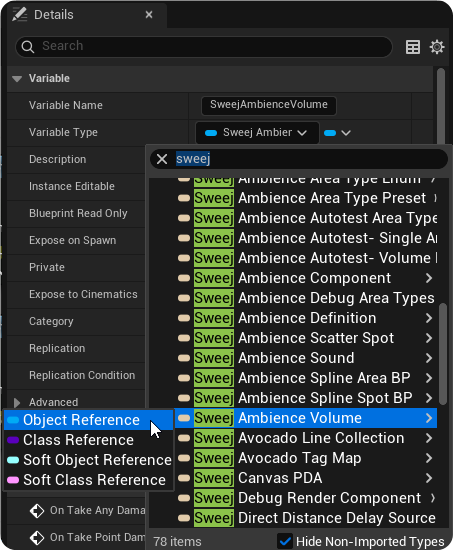
Direct Blueprint communication via a variable of type
Get a reference to the Sweej Ambience Actor (SweejAmbienceSound or SweejAmbienceVolume).
Create a variable of the appropriate type.
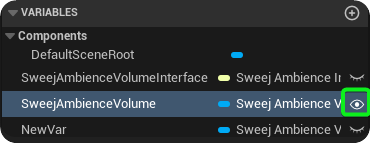
Then the variable instance editable by clicking on the eye icon and compile the Blueprint.
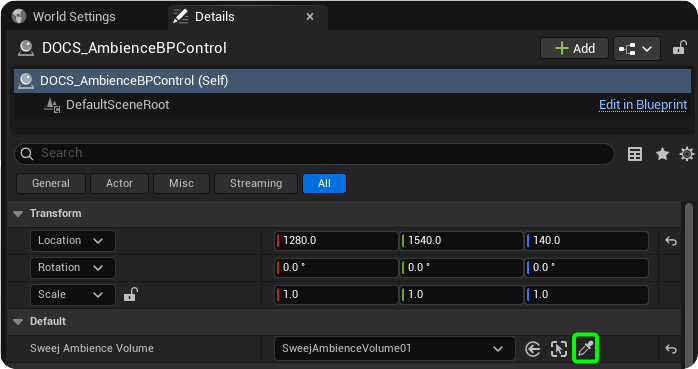
With your Blueprint selected in the Viewport you can use the picker to select the specific Sweej Ambience actor you want to interact with.
Get actors of class / by tag
Get all actors of class (SweejAmbienceSound or SweejAmbienceVolume) then select by actor name.
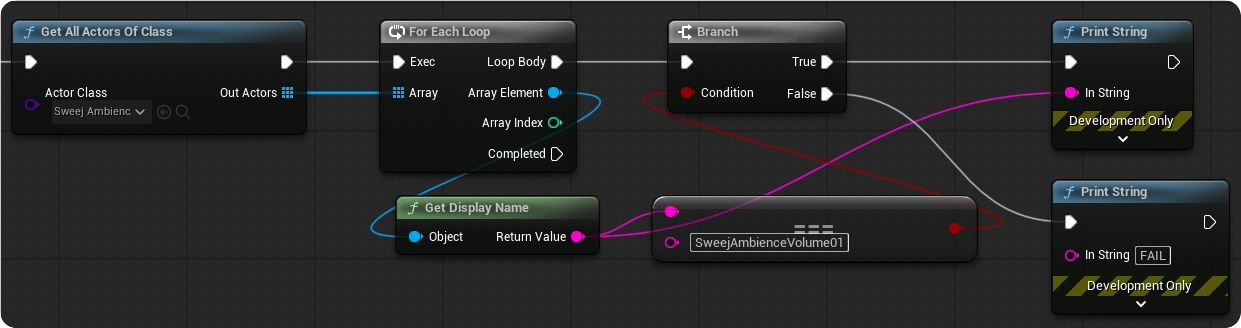
Or use actor tags to easily select multiple actors by tag.
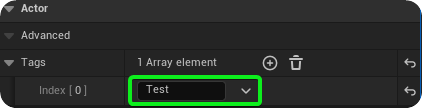
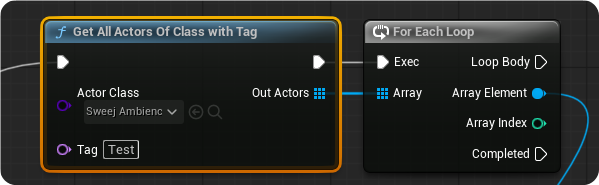
Swap Sound / Swap Scatter Spots
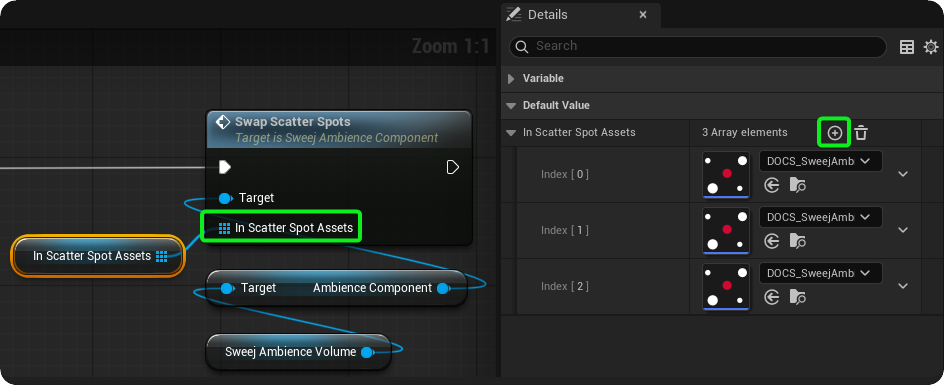
Drag out from your variable that references the Sweej Ambience actor to Swap the actors sound (loop) or the scatter spots associated with that actor.
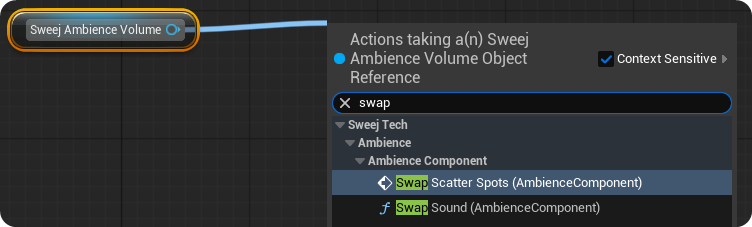
If swapping Scatter Spots you will want to drag out from the In Scatter Spot Assets input of the Swap Scatter Spots function to promote to variable and create a Scatter Spot Assets array. Then use the + icon to add scatter spot array elements to this.