
Quick Start
Each object using this sound will automatically get its individual speed calculations - no Blueprint connections needed!
Using the Velocity Interface
Add the interface to your MetaSound:
- In the Interfaces panel, click Add Interface
- Select SweejTech.Velocity
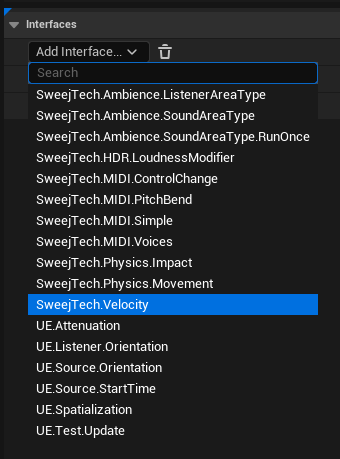
Adding an interface Connect the values:
LinearSpeed: How fast the sound is movingAngularSpeed: How fast the sound is rotating
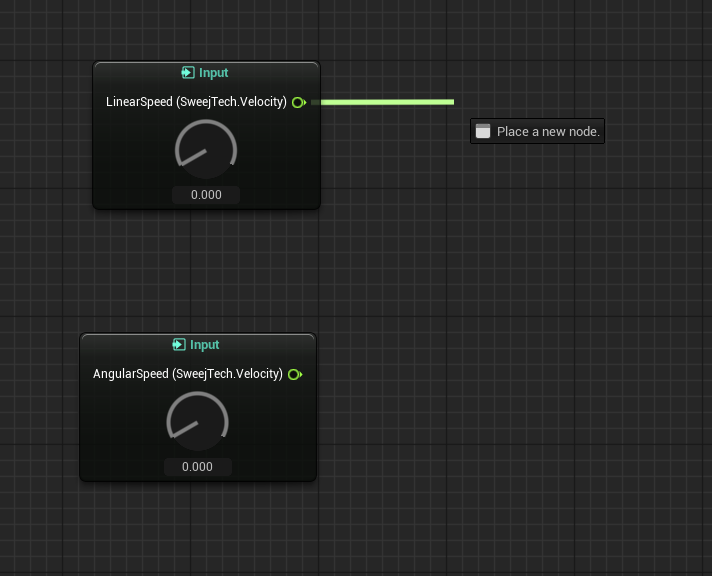
Connecting values