Dynamic Adjustments
Your game may have a variety of environments or situations where you may want the HDR system to behave differently. In order to enable this the SweejTech HDR plugin allows a number of settings to be changed dynamically at runtime via Blueprint nodes and MetaSound interfaces.
Loudness Modifier
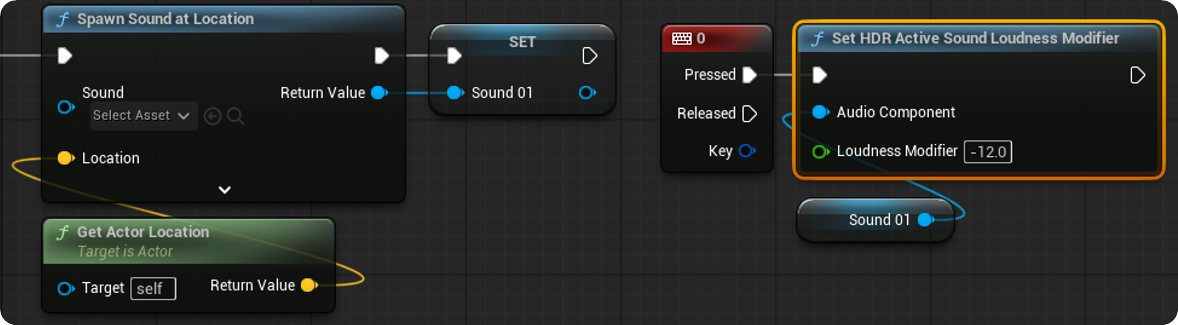
To dynamically adjust the Loudness of a sound use the 'Set HDR Active Loudness Modifier' node. The Loudness Modifier float value represents an offset to the sound's defined Loudness and will combine with any other active loudness modifiers e.g. a +6dB offset in Blueprint and a -2dB offset in the MetaSound combines to a -4dB offset overall). The value of these offsets can be monitored using the HDR Activity Window.
Loudness Definition Modifier
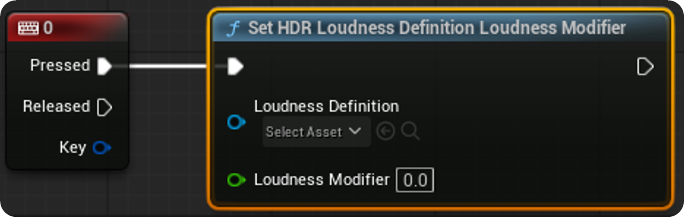
To dynamically adjust the Loudness of a Loudness Definition use the 'Set HDR Loudness Definition Loudness Modifier'. The Loudness Modifier represents an offset from the Loudness Definitions defined Loudness.
Culling Threshold
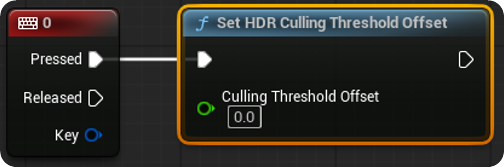
When there is a lot of audio playing you might want to adjust the culling threshold to save on the number of voices being used for quieter sounds. In Blueprints use the 'Set HDR Culling Threshold Offset Node'.
Attack & Release Speeds
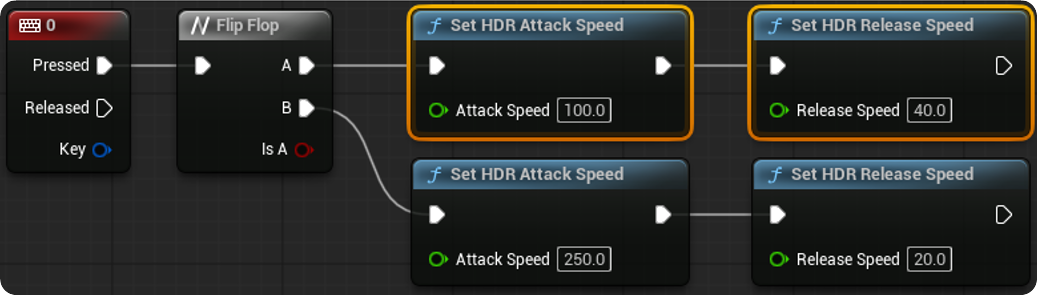
To adjust the Attack Speed and Release Speed of the HDR system use the 'Set HDR Attack Speed' and 'Set HDR Release Speed' nodes.
Max Overshoot
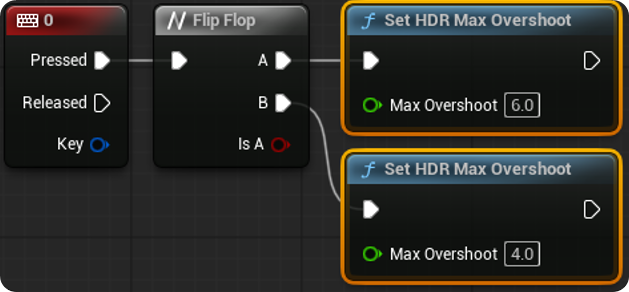
To adjust the Max Overshoot for the HDR system use the 'Set HDR Max Overshoot' node.
MetaSound Loudness Modifier
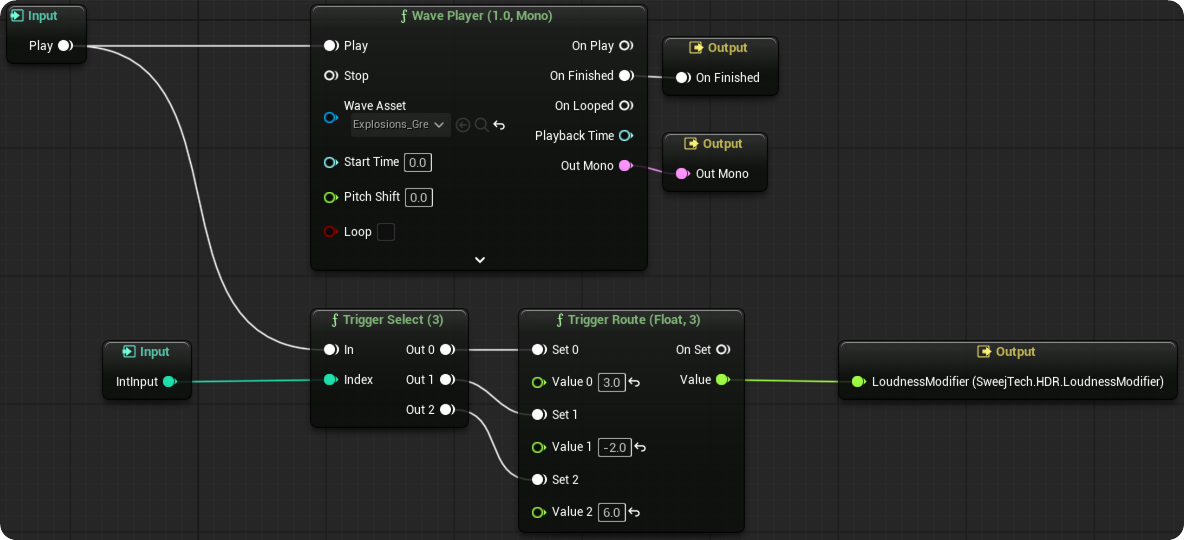
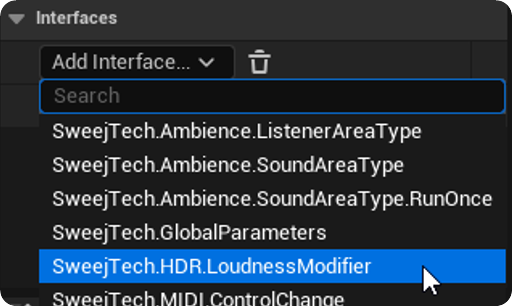
Adding a SweejTech HDR Loudness Modifier Interface to a MetaSound creates a Loudness Modifier Output within the MetaSound. Sending a value to this will set this value as an offset to the MetaSound's defined Loudness.
For example in this MetaSound an Integer input (IntInput) is used to change the Loudness modifier values for different circumstances, for example to make the local player's version of the sound louder than remote players, or to make the attack sound of players that are facing you louder. As described above Loudness Modifiers from Code, Blueprints or MetaSounds will combine to form the final modifier value.