Reverb – Quick Start
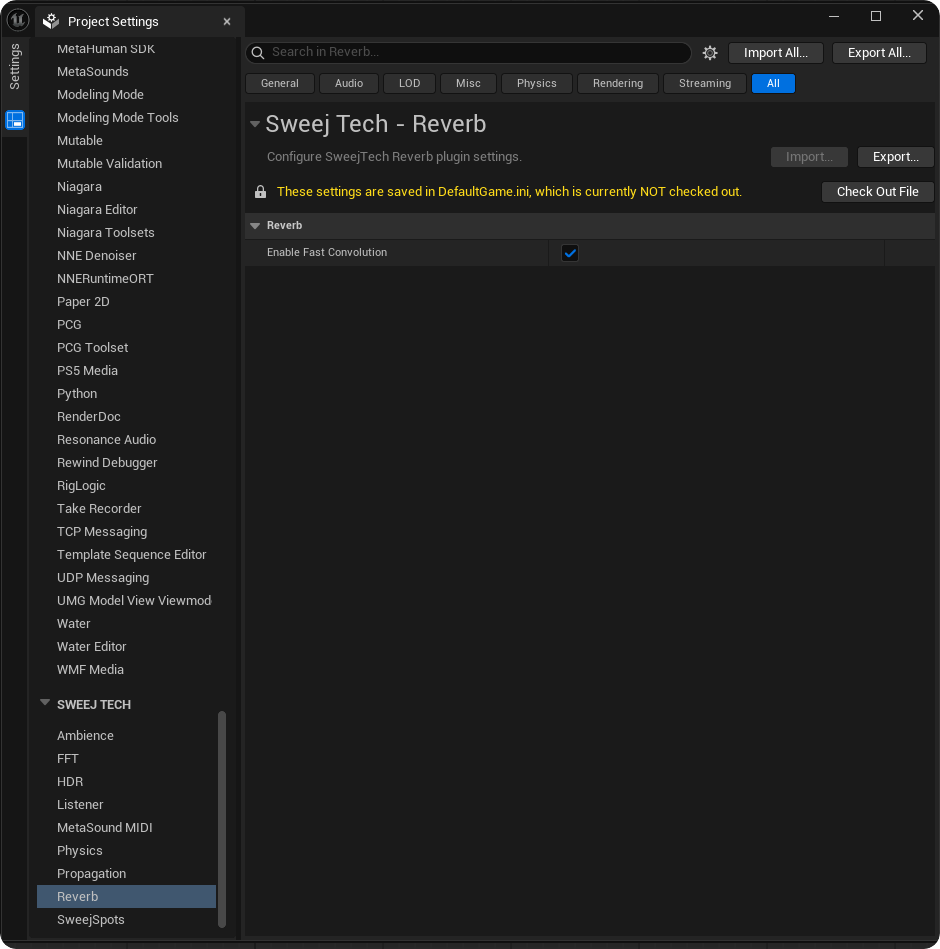
Enable Sweej Reverb in your Project Settings
- Go to Project Settings → SweejTech → Reverb
- Enable Fast Convolution
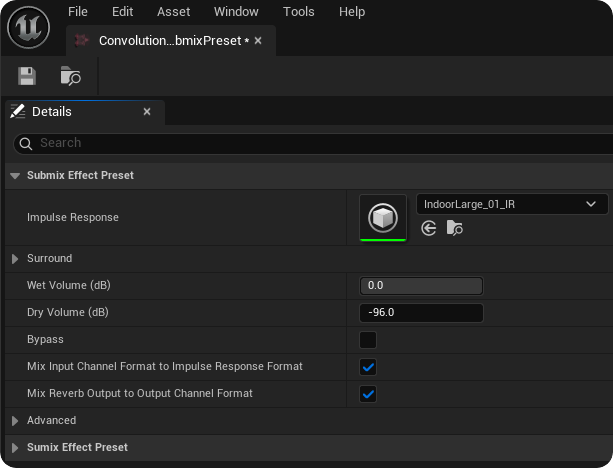
Submix Effect Presets automatically use the SweejTech convolution algorithm
- No changes are necessary to Submix Effect Convolution Reverb Presets, they will now automatically use SweejTech's Fast Convolution
- The new Sweej Convolution Reverb node is available in MetaSounds
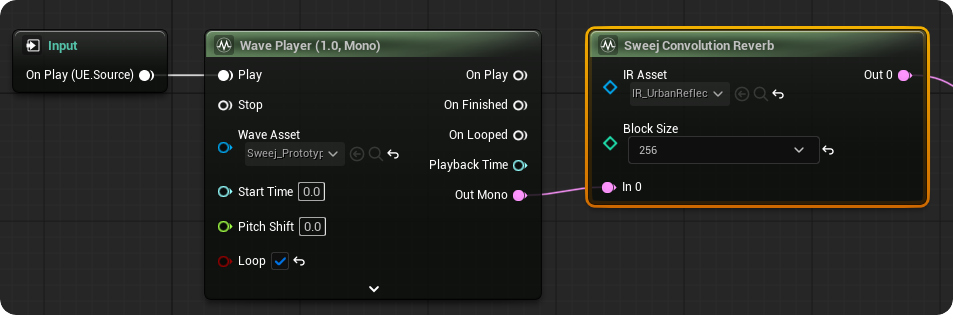
Choose any IR asset and set the Block Size
- You can assign any IR asset to the Sweej Convolution Reverb node.
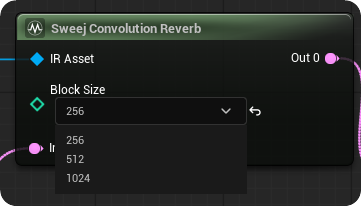
- Set the optional Block Size to manage your CPU usage and latency. Smaller values result in higher CPU usage and increased latency.