Reverb – Authoring
Setup
See the Quick Start page for a guide to enabling SweejTech Reverb.
Once enabled all Submix Effect Convolution Reverb Presets will now automatically use SweejTech's Fast Convolution.
Sweej Convolution Reverb Node
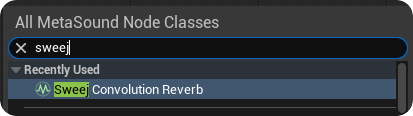
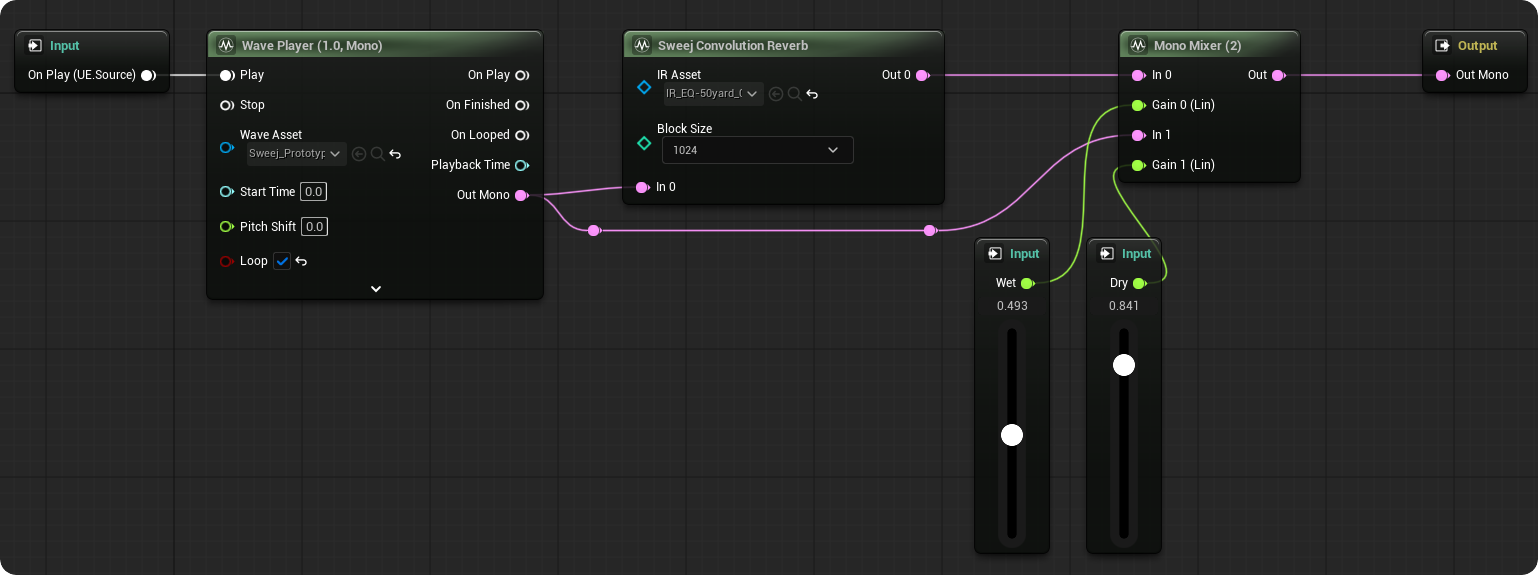
The new Sweej Convolution Reverb Node is available via the right click menu in MetaSounds.
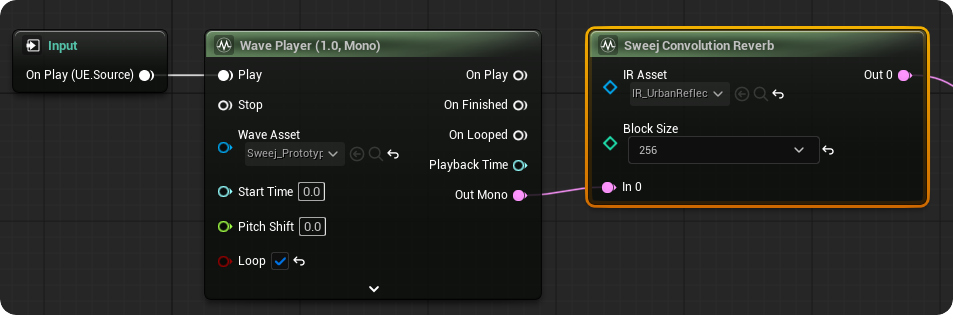
Route audio through this node and select your chosen Impulse Response assets to apply convolution reverb effects.
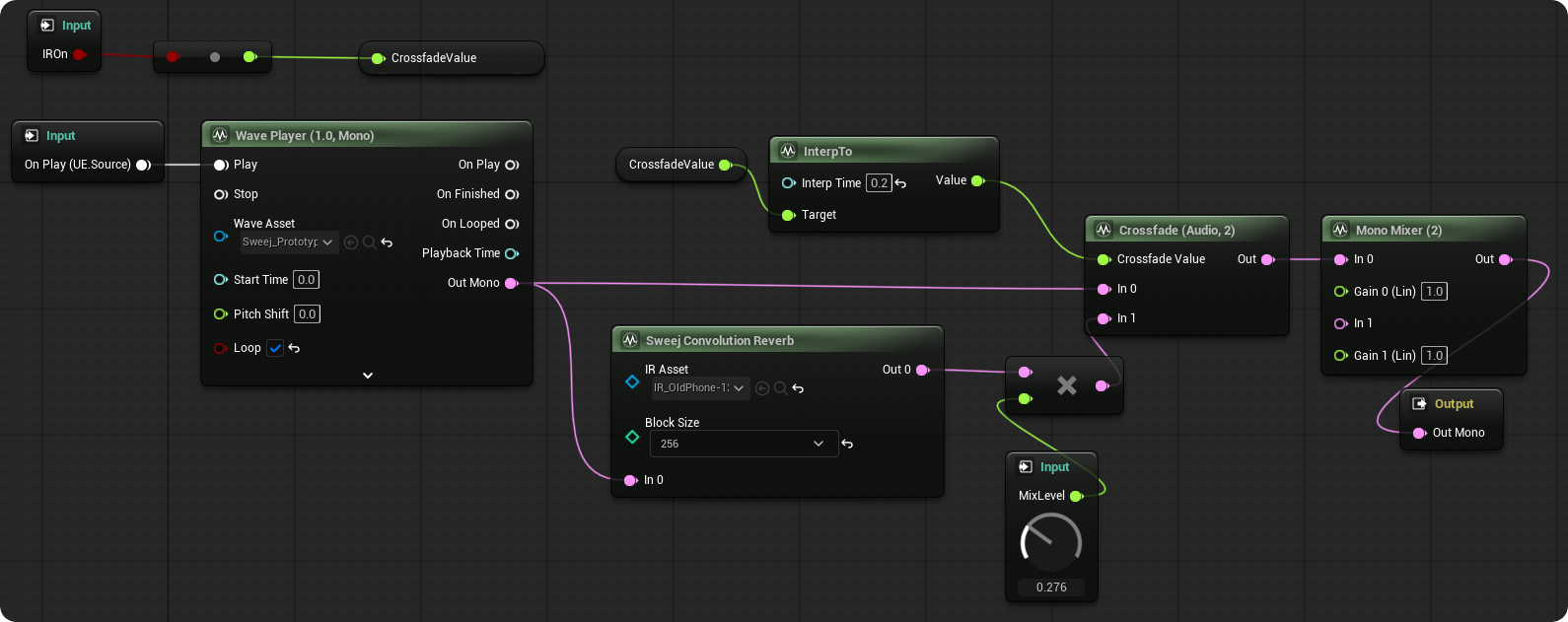
Add a mixer in order to control the Wet / Dry mix.
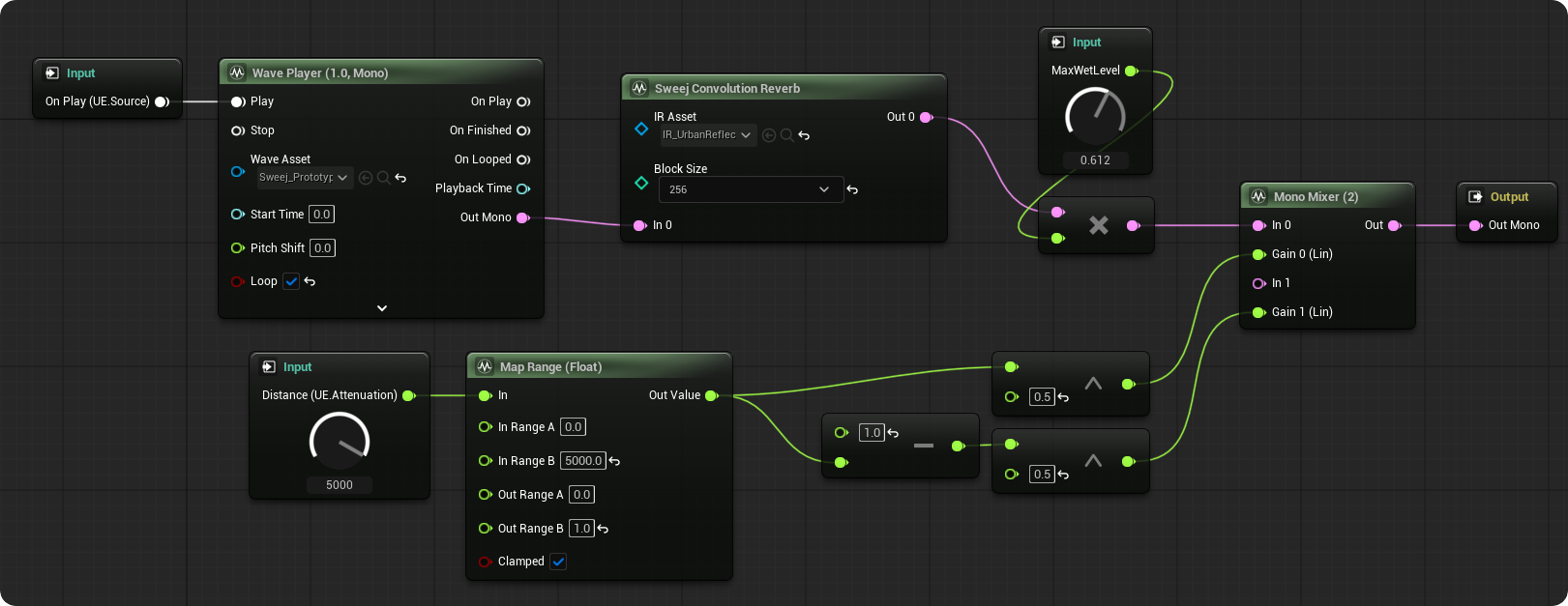
Utilise the UE Attenuation Interface to set the mix over distance.
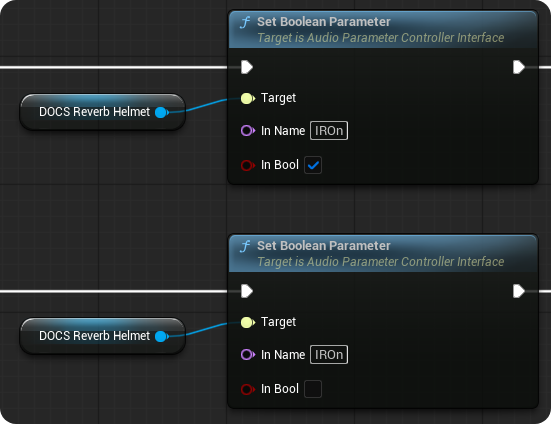
Set Boolean Parameter from Blueprints to turn effects on / off.